
Key features and product overview
A map of every area in the app and what it is for.
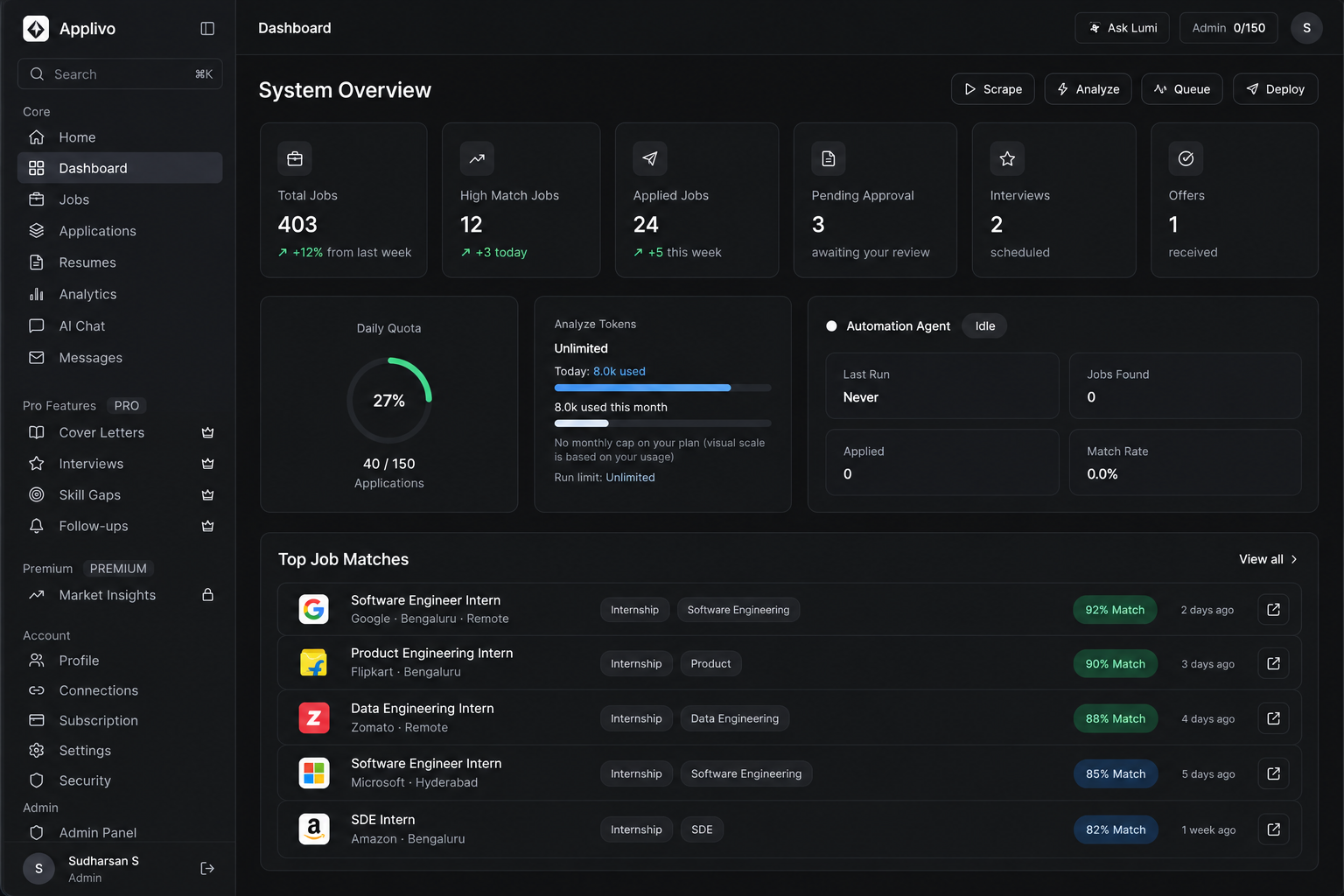
The sidebar in the app is grouped the same way as this table. Locked items show a crown icon and take you to the Subscription page instead of the feature.
| Area | What it does | Plan |
|---|---|---|
| Dashboard | Summary metrics, quotas and the Scrape / Analyze / Queue / Deploy agent actions | All paid plans |
| Jobs | The collected listings feed, search, filters and match scores | All paid plans |
| Applications | Kanban and table tracking of every application and its status | All paid plans |
| Resumes | Baseline PDF resumes plus tailored LaTeX generation | All paid plans |
| Analytics | Trends, resume performance and (Premium) an interview conversion funnel | Basic all; advanced Premium |
| AI Chat | An in-app career assistant with monthly message limits | All paid plans |
| Messages | Synchronised recruiter/portal messages, when a source is connected | All paid plans |
| Cover Letters | Per-job cover letter generation | Pro and Premium |
| Interviews | Interview tracking and preparation | Pro and Premium |
| Skill Gaps | Comparison of listing demand against your resume | Pro and Premium |
| Follow-ups | Reminder states for applications you have sent | Pro and Premium |
| Market Insights | Market and salary information | Premium |
| Profile, Connections, Subscription, Settings, Security | Account, integrations and billing | All |
Plan gating
The server decides access, not the browser. If you open a gated URL directly, the API still enforces your plan and returns an error the UI surfaces. Administrators (a server-side flag) can open every page.
What each area needs before it works
- Jobs and scoring need at least one uploaded resume and a completed profile.
- Application runs need an eligible plan plus a connected extension.
- AI features need a plan with AI allowance remaining and a configured AI provider on the server.