
Welcome to Applivo
Applivo finds internships and jobs, scores how well they match your resume, and helps you apply from your own browser.
This documentation explains how to use Applivo as a candidate and, in the Developers section, how the project is built and run locally. Every article is written against the behaviour of the deployed product, not a roadmap.
Where to start
- New to Applivo: read What is Applivo, then follow the Quick start guide end to end.
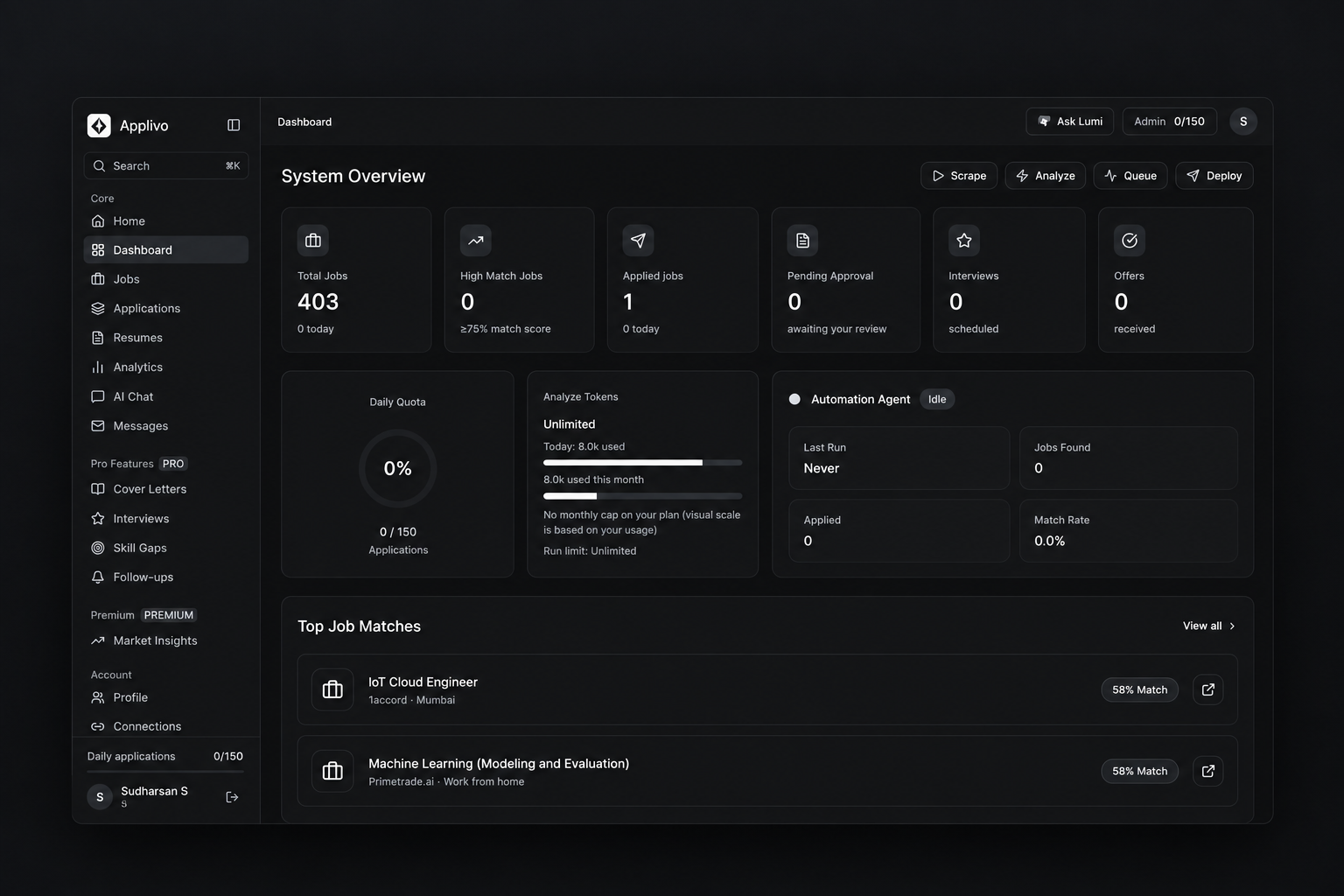
- Want to understand the numbers on the home screen: read Dashboard overview.
- Want to apply automatically: read Application automation overview, then install and connect the Chrome extension.
- Something is not working: open Troubleshooting and FAQ.
How the pieces fit together
- You create an account and verify your email.
- You upload a resume and complete your profile so Applivo knows what you are looking for.
- Applivo collects job listings and scores each one against your resume.
- You review the best matches and stage the ones you want to apply to.
- The Chrome extension fills and submits the applications inside your own signed-in browser.
- You track every application through to its outcome on the Applications page.
In this section
What is Applivo?
What the product does, who it is for, and what it does not do.
Key features and product overview
A map of every area in the app and what it is for.
Create your account
Register with an email and password or with Google.
Sign in and account access
How login works, including the one-time code step and password recovery.
Set up your profile and job preferences
The details Applivo uses to match jobs and fill applications.
Quick start guide
From a new account to your first application, in order.
Understanding the dashboard
A first look at the numbers and controls on the Dashboard page.