
Installing the extension
Load the Applivo extension into Chrome.
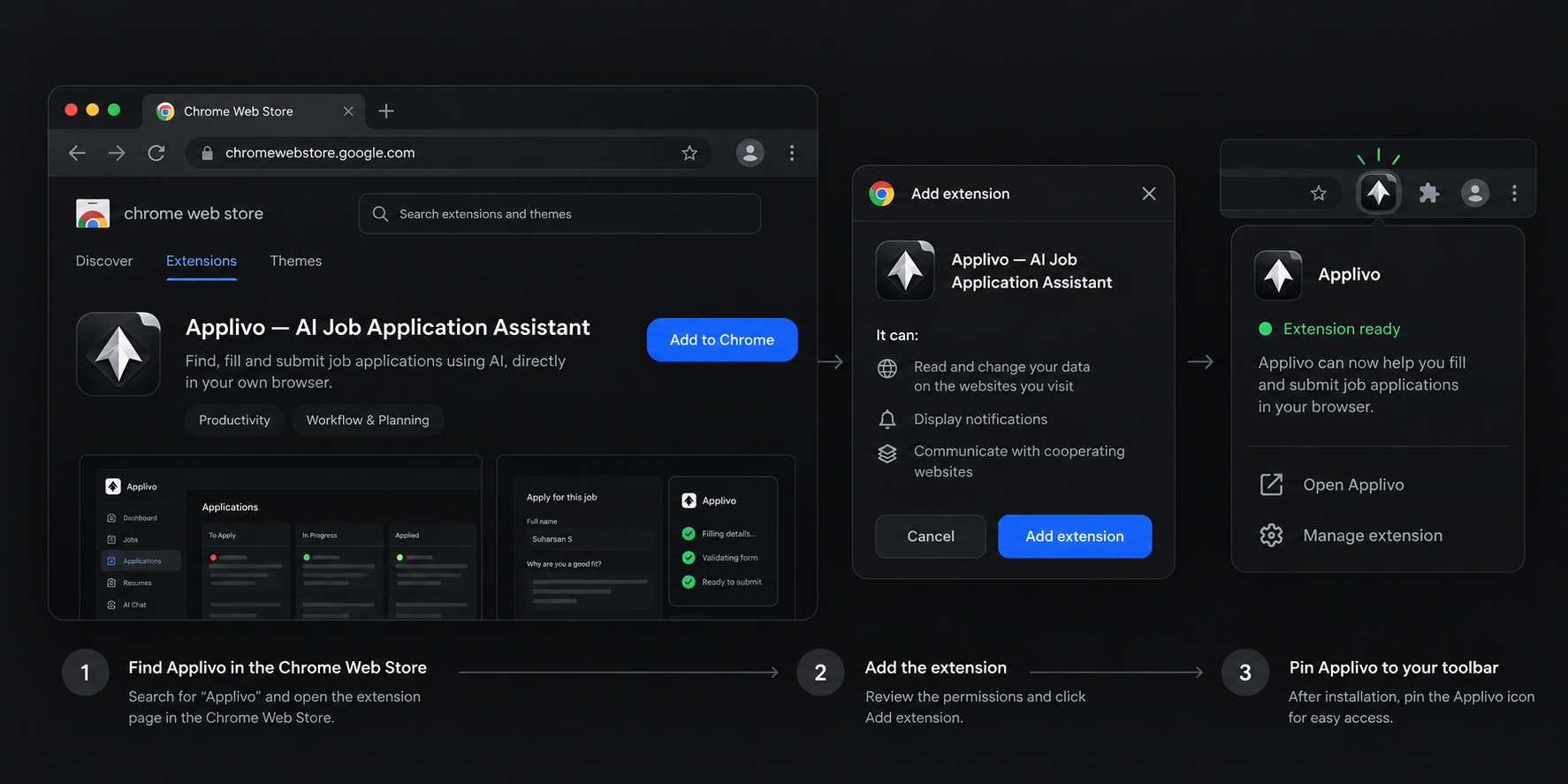
The Applivo extension is a Manifest V3 Chrome extension distributed with the repository and loaded into Chrome in developer mode. There is no separate store listing to install from; you build the extension (or use a build provided to you) and load it unpacked.
Build the extension
From the repository root
python3 extension/build.py          # production build into extension/dist
python3 extension/build.py --dev    # development build with localhost origins into extension/dist-dev
Load it in Chrome
- Open chrome://extensions in Chrome.
- Turn on Developer mode in the top right.
- Choose Load unpacked and select the dist folder (production) or dist-dev folder (local development).
- Pin the Applivo icon to the toolbar so you can see its status.
Which build to use
| Build | Use when | Origins allowed |
|---|---|---|
| Production (dist) | You are using the deployed Applivo site | https://applivo.in and https://api.applivo.in |
| Development (dist-dev) | You are running Applivo locally | The above plus http://localhost:3000 and http://localhost:8000 |
Expected result
The Applivo icon appears in the toolbar and its popup opens. Before pairing it shows Not connected, with a button to open Applivo.
Common problems
| Symptom | What to check |
|---|---|
| Load unpacked fails | Select the built folder (dist or dist-dev), not the extension source folder |
| Popup says not connected after loading | That is expected until you pair it; see Connecting the extension |
| Extension disappears after a Chrome restart | Developer-mode extensions persist, but a moved or deleted build folder will break the load |