
Understanding the queue and run stages
What each stage in the run panel means.
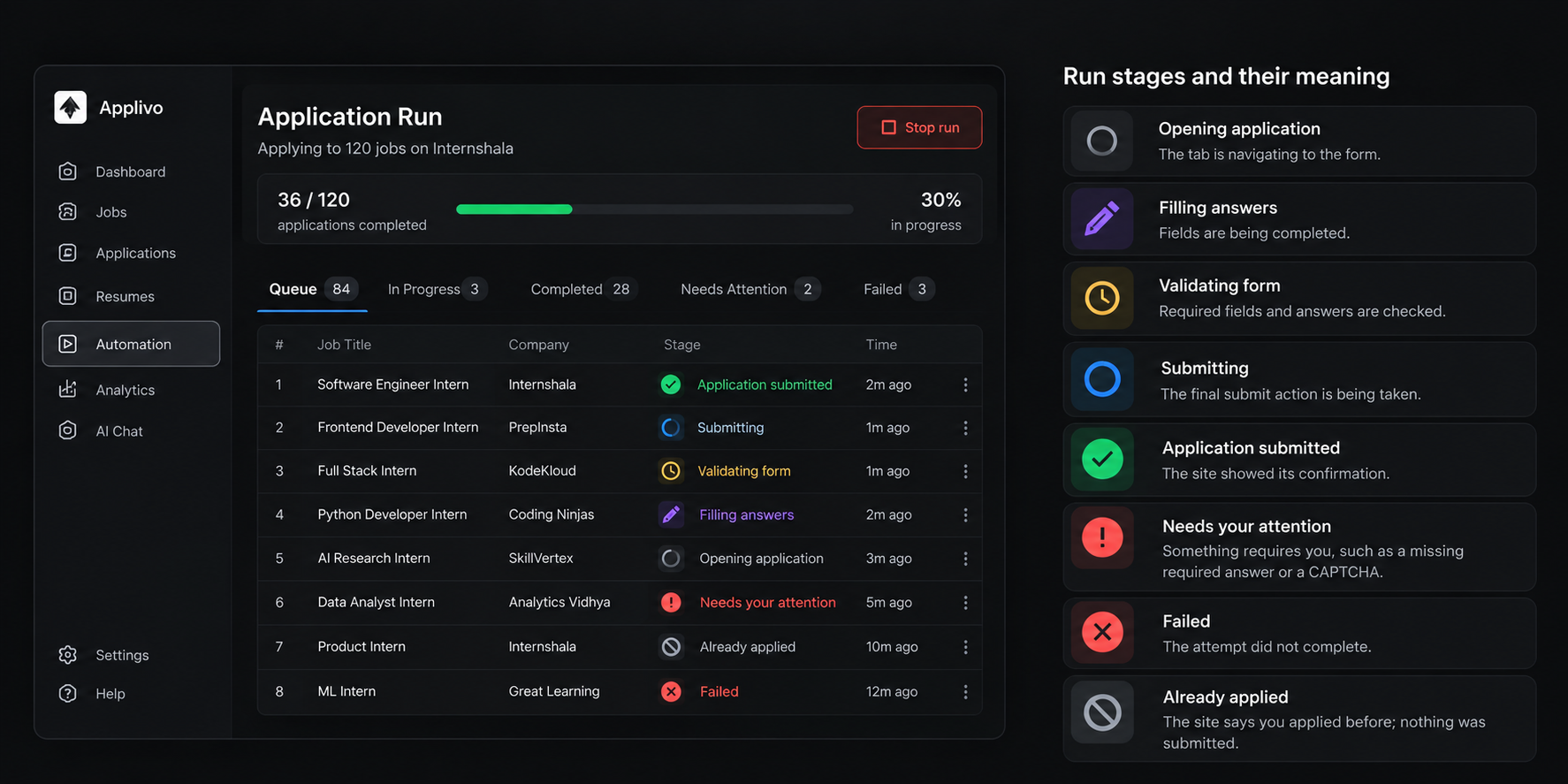
Each application in a run has a live stage. Stages are grouped into working stages (the extension is actively doing something) and terminal stages (the item will not be worked on again by this run).
Working stages
| Stage | Meaning |
|---|---|
| Opening | The tab is navigating to the application form. |
| Detecting fields | The form's fields and required questions are being identified. |
| Preparing answers | Answers are being generated or resolved from your profile. |
| Filling | Fields are being completed. |
| Validating | Required fields, formats and selections are being checked. |
| Ready to submit | The filled form has passed validation and is waiting for the submit step. |
| Submitting | The final submit action is being taken. |
Terminal stages
| Stage | Meaning |
|---|---|
| Submitted | The portal showed its confirmation. |
| Ready for review | Filled and valid, but held for you (review mode). |
| Waiting for input | Needs you: a required answer is missing or a challenge appeared. |
| Already applied | The portal reports a prior application; nothing was submitted. |
| Skipped | Not started (for example, the run was stopped) or not actionable. |
| Failed | The attempt did not complete. |
| Outcome unknown | No confirmation was detected; check Internashala before retrying. |
Order of work
Jobs in a run are processed one after another in the same reusable tab, in the order you selected them. A claim on an application is atomic, so a duplicate message or a restarted worker cannot pick up the same application twice.
Completing a run
A run finishes automatically when every item has reached a terminal stage. Stopping it early cancels the remaining queued items and requeues anything that was filled but not submitted.